
👥
Find a group
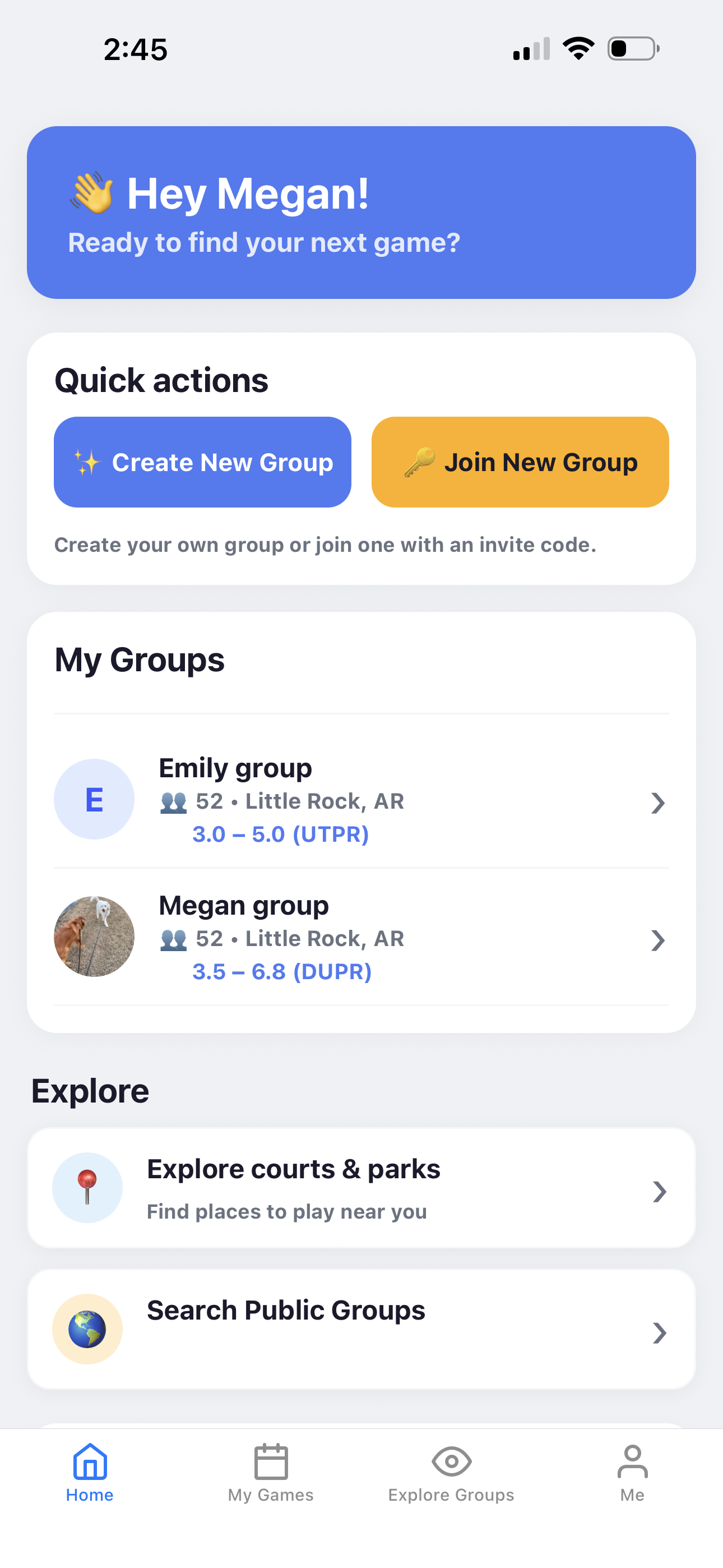
Open Find Group, choose a nearby public group, and send a join request. The group owner reviews it.
Use nearby discovery when you want to join a group, request one game as a guest, or invite an opted-in player to a game that needs another person.
Each flow has one clear requester and one clear person who responds.
Open Find Group, choose a nearby public group, and send a join request. The group owner reviews it.
Open Find Game, choose a nearby game accepting one-time guests, and request to play.
From a game, the organizer can find an opted-in nearby player and send an invitation for that game.
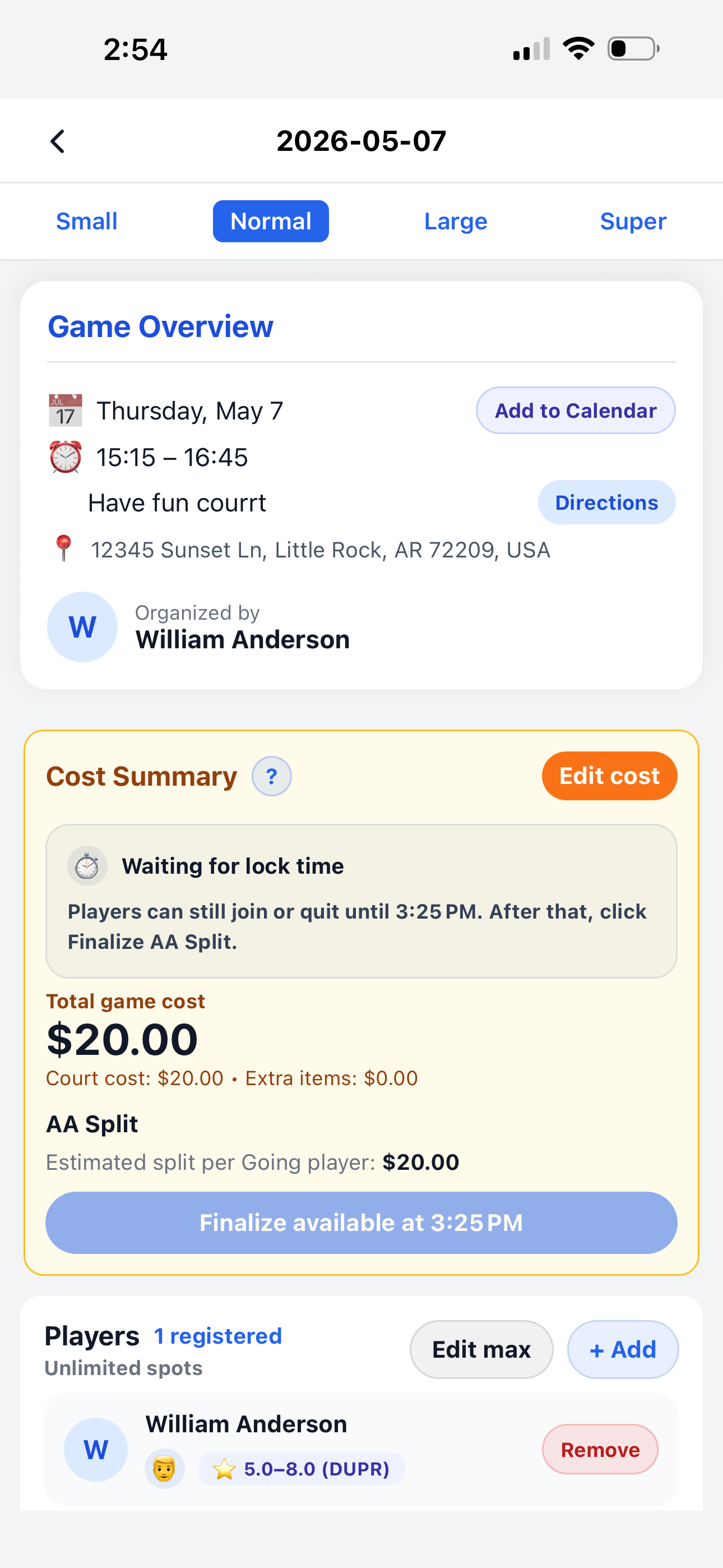
The guest uses the same game details and attendance flow as other players.
Court number, directions, and guest messages update when the organizer changes them.
The guest can confirm whether they are still coming from the One-Time Games section.
If the game has a cost, guest payment follows the group’s pay-after-game or prepaid-balance process.